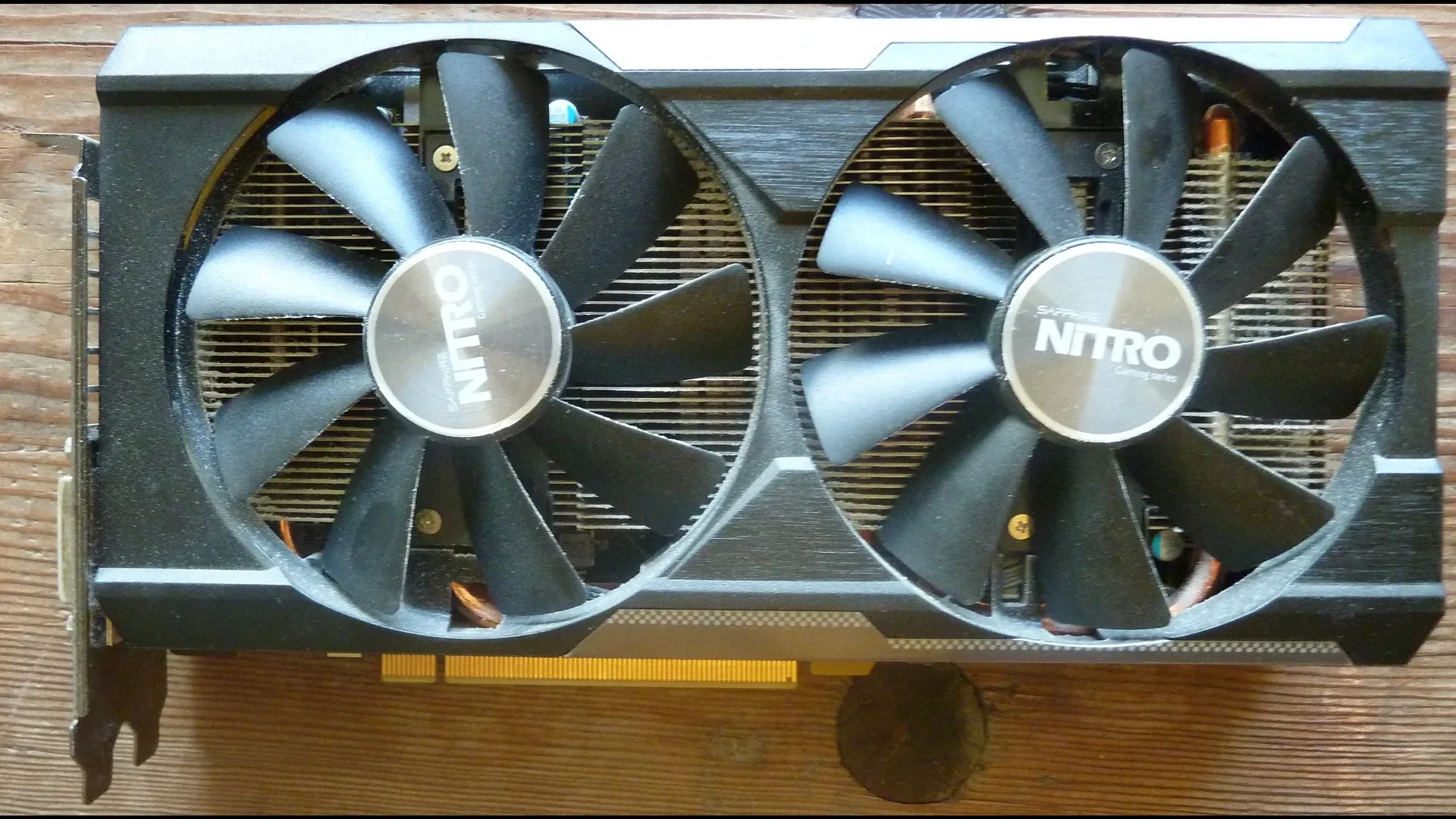
For FSR settings on an older card, the short answer is: turn on FSR in the game's own menu, start at Quality mode, and go down one step at a time only if you need more frames. If the game has no FSR, a driver option is the fallback: Radeon Super Resolution on Radeon, NVIDIA Image Scaling on GeForce.
The part most guides skip is compatibility. AMD's own page says it gives no technical or warranty support for FSR on other vendors' cards. That means a GeForce GTX 1060, 1650 or 1660 owner can sometimes use FSR, but not as something AMD promises. This guide says what AMD documents, what independent tests showed, and what nobody has published.
CoreLoadout has not benchmarked FSR. This is a verified-spec guide built from AMD, NVIDIA and independent sources, with dates. Where nobody publishes a number, we say so.
Verified against: AMD's FSR compatibility page (updated 22 June 2026), AMD GPUOpen's FSR Upscaling and Frame Generation documentation (June 2026), AMD's Radeon Super Resolution FAQ, NVIDIA's Image Scaling announcement (November 2021) and independent tests dated 2021, 2023 and 2024. Last updated 20 October 2026.
This is part of our FPS guide and covers its upscaling step for cards without DLSS. If you have an RTX card, use our DLSS settings guide instead.
The quick answer: what your card gets#
Find your card. The table shows what AMD documents. The GeForce row is not AMD-supported.
| Your card | What you get from FSR | Start with |
|---|---|---|
| Radeon RX 9000 | Everything: machine-learning FSR upscaling and frame generation | FSR in the game, Quality mode |
| Radeon RX 7000 | Machine-learning FSR upscaling (added in FSR 4.1, June 2026) and FSR 3 frame generation | FSR in the game, Quality mode |
| Radeon RX 5000 and 6000 | FSR 3 fallback upscaling and frame generation. AMD says machine-learning upscaling for RX 6000 is "launching in 2027" | FSR 3 in the game, Quality mode |
| Radeon RX 590 and older RX 500 | FSR 2 and FSR 3 upscaling (AMD's table lists RX 590 and newer). Frame generation is listed from RX 5000 up | FSR in the game, Quality mode |
| GeForce GTX 10 and 16 series | Not supported by AMD. Works in some games, per 2023 tests | Try the game's FSR option, or NVIDIA Image Scaling |
| GeForce RTX | DLSS is better supported. FSR also appears in many games | DLSS first |
Sources: AMD's FSR compatibility page (updated 22 June 2026) and AMD GPUOpen. The GeForce line combines AMD's footnote with the 2023 tests described below.
| Your card | Driver upscaler |
|---|---|
| Radeon RX 5000, 6000, 7000 and 9000 | Radeon Super Resolution (RSR) |
| Radeon RX 590 and RX 500 | Not listed by AMD |
| GeForce GTX 10 and 16 | NVIDIA Image Scaling (NIS) |
Sources: AMD's RSR FAQ and NVIDIA's Image Scaling announcement (November 2021). Checked 16 October 2026.
What FSR is, in plain words#
FSR is AMD's upscaler. The game renders at a lower resolution, FSR rebuilds it to your screen's resolution, and you get more frames. You will meet three kinds:
- FSR 1 is the oldest: a simple spatial upscaler that uses only the current frame.
- FSR 2 and FSR 3 are the "fallback" versions. They use motion data from the game, run on many cards, and are the ones older GPUs get. FSR 3 also adds frame generation.
- FSR 4 is the newer machine-learning version. AMD lists it for Radeon RX 9000, and since FSR Upscaling 4.1 in June 2026 for RX 7000 too.
The quality modes#
Each mode renders at a fraction of your screen's resolution. These figures are AMD's own.
| Mode | Per-dimension scale | Share of your screen resolution |
|---|---|---|
| Quality | 1.5x | 67% |
| Balanced | 1.7x | 59% |
| Performance | 2.0x | 50% |
| Ultra Performance (optional) | 3.0x | 33% |
At 1080p, Quality renders about 720p and Performance about 540p. That matters in the next section.
Does FSR work on GTX 1060, 1650 and 1660?#
Here is what is documented, and where it stops.
AMD's compatibility page footnotes that it does not provide technical or warranty support for FSR on other vendors' graphics cards. The page names no GeForce cards. AMD's developer documentation says the fallback versions (FSR 2.3.4 and 3.1.5) run on Radeon RX 500 and newer "or equivalent GPUs from other vendors" and need Shader Model 6.2 and DirectX 12. It does not say which GeForce models meet that.
Independent evidence is old and thin. In October 2023, YouTuber Daniel Owen tested a GTX 1060 and a GTX 1070 in Immortals of Aveum at 1080p on low settings with FSR 3. Custom PC reported the game going from 20 to 25 fps to just under 60. Both outlets said it still felt laggy. PC Gamer noted AMD did not officially recommend FSR 3 frame generation for GTX 10-series cards, and recommended RTX 20-series or newer at that time.
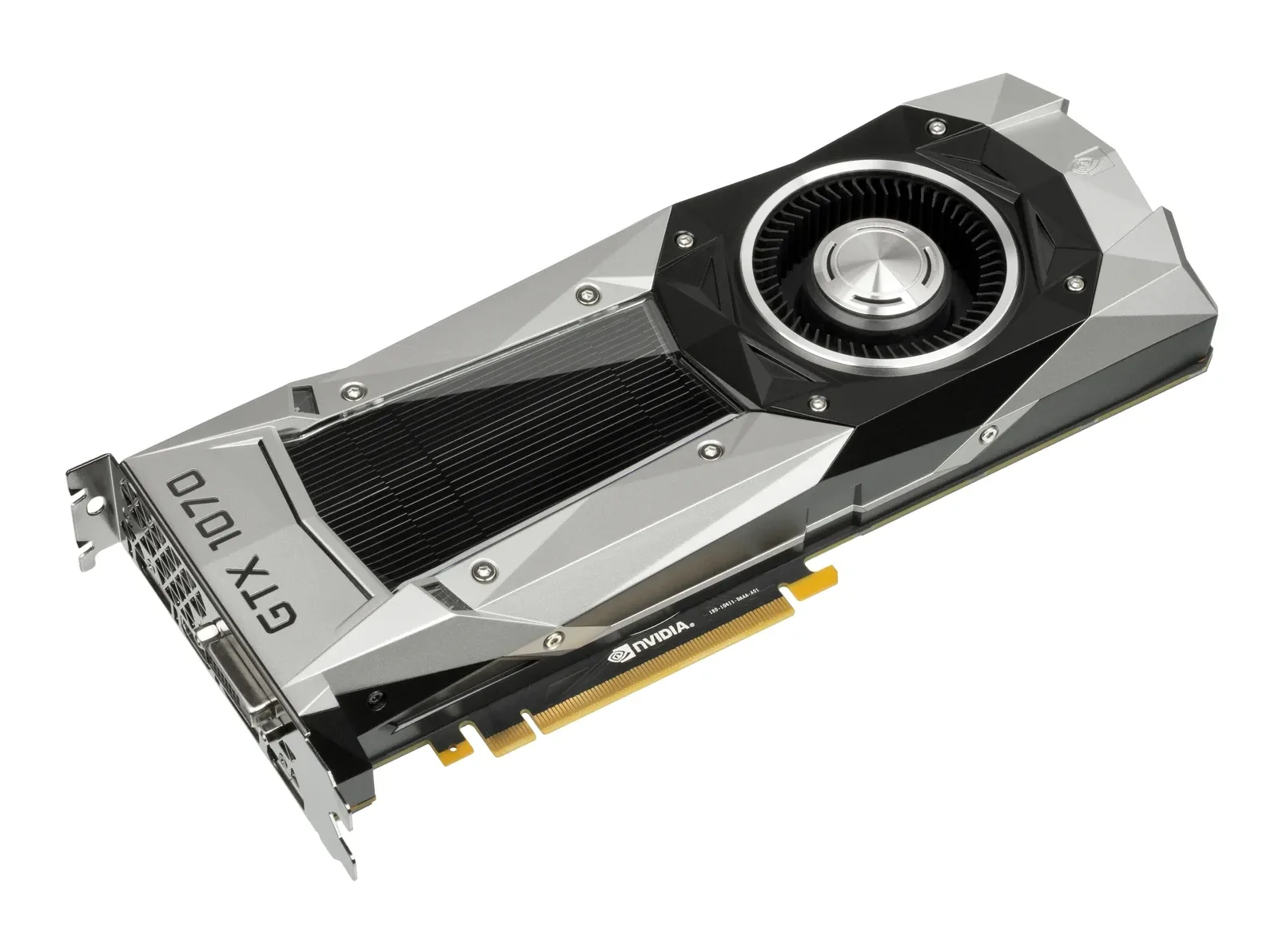
That is one game, one reviewer and a 2023 build. We found no current test on a GTX 1650 or 1660. So the honest answer: it may work in your game, AMD does not promise it, and you should test it in the game you play.
How to set FSR in a game#
- Measure the base first. Turn upscaling off and check your real frame rate and 1% lows in a busy scene. Our FPS guide shows how.
- Open the game's graphics menu and look for FSR, "FidelityFX Super Resolution" or an upscaler dropdown. If it lists several versions, choose the newest your card supports.
- Start at Quality. It renders at 67% of your screen resolution, the highest of the upscaling modes.
- Compare, then step down once. If you need more frames, go to Balanced, then Performance. Stop as soon as the game feels smooth. Do not jump to Ultra Performance first.
- Keep render resolution in mind at 1080p. Quality mode at 1080p draws about 720p. TechSpot's 2021 FSR 1 tests found the loss of detail noticeable at 1080p even on its best mode, and recommended FSR mainly for 4K. FSR has improved since, but that is the one fact we have, so look at the picture, not just the counter.
- Check the result. Move the camera across foliage and fast edges, and compare with upscaling off.
Which mode to pick#
Our rule, not a vendor number: Quality first. TechSpot's 2024 test of FSR 3.1 on an RTX 4070 and a Radeon RX 7800 XT found ghosting in all five games even at 4K Quality, and shimmering that was worst in Performance mode. That test used neither a GTX card nor 1080p, so treat it as a warning about the modes, not a verdict on your card.
When the game has no FSR#
Two driver features can upscale games that have none. Both are simpler than in-game FSR and AMD recommends the in-game version when it exists.
Radeon Super Resolution (RSR) is an in-driver upscaler on Radeon RX 5000 and later, with Adrenalin 22.7.1 or newer. AMD says it works in exclusive and borderless fullscreen, stays off until the game's resolution is below your monitor's, and switches off Radeon Chill, Radeon Image Sharpening and Integer Scaling. In exclusive fullscreen you lower the in-game resolution yourself.
NVIDIA Image Scaling (NIS) is a driver-based spatial upscaler and sharpener for GeForce cards. NVIDIA's November 2021 announcement says it supports all GeForce GPUs and games, and worked like this at the time: open the NVIDIA Control Panel, Manage 3D Settings, turn on Image Scaling, restart, then pick a lower resolution in fullscreen. NVIDIA is retiring the Control Panel in favour of the NVIDIA app, with driver 610.47 according to a May 2026 report. Existing installs keep the Control Panel and clean installs remove it. We have not verified where Image Scaling sits on a current driver for GTX cards, so treat the 2021 steps as history.
Should you use FSR frame generation on an older card?#
Usually not on a GTX card. AMD says to interpolate from at least 60 fps and to avoid sub-30. The 2023 GTX 1060 test above started from 20 to 25 fps and still felt laggy. Frame generation needs a good base, and a card that needs FSR to reach 60 is usually below it. On a Radeon RX 5000 or newer with a stable 60 fps base, it is an option. Our frame generation guide explains the lag trade-off.
What is new right now#
- FSR Upscaling 4.1 (June 2026) added Radeon RX 7000 support for the machine-learning version.
- RX 6000 machine-learning upscaling is listed by AMD as "launching in 2027". It is not available today.
- FSR SDK 2.3 ships the machine-learning version plus FSR 2.3.4 and 3.1.5 as fallbacks.
Troubleshooting#
The picture shimmers or ghosts in motion. That is a known FSR weakness in independent tests. Try Quality instead of Performance, or turn it off for that game.
It looks soft at 1080p. The game is rendering a very small picture. Move up one mode, or lower a heavy setting instead. Our FPS guide lists them.
The FSR option is missing. Not every game offers it. Use RSR on a Radeon or NVIDIA Image Scaling on a GeForce card.
FSR is on but the frames did not rise. You may be limited by the processor and not the card. Lowering render resolution only helps when the card is the limit.
A GeForce card shows an error or a crash with FSR. We have no source on this and no current test. Try a different upscaler mode, update the driver, or use the driver option instead.
Frequently asked questions#
Does FSR work on NVIDIA GTX cards?
AMD does not support it. AMD's compatibility page says it provides no technical or warranty support for FSR on other vendors' cards, and names no GeForce models. A 2023 test ran FSR 3 on a GTX 1060 and GTX 1070 in one game. Test it in your own game.
Is FSR better than DLSS?
On image quality, independent tests have found DLSS ahead. TechSpot's 2024 comparison found DLSS better in all five games at 4K. That test used a GeForce RTX 4070 and a Radeon RX 7800 XT. If your card has DLSS, use it.
Which FSR mode is best?
Start at Quality, which renders at 67% of your screen resolution. Go down one step only if you need more frames. Performance mode had the worst shimmering in TechSpot's 2024 test.
Does FSR 4 work on RX 6000 and older cards?
No. AMD lists machine-learning upscaling for Radeon RX 7000 and RX 9000, with RX 6000 listed as "launching in 2027". Older cards use the FSR 2 and FSR 3 fallback versions.
What is Radeon Super Resolution?
It is AMD's driver-level upscaler for Radeon RX 5000 and later, for games without built-in upscaling. AMD recommends the in-game FSR option when a game has one.
Does NVIDIA have something similar for GTX cards?
NVIDIA Image Scaling is a driver-based upscaler and sharpener. NVIDIA said in 2021 that it supports all GeForce GPUs. Where to enable it on current drivers is something we have not verified.
Should I use FSR frame generation on a GTX 1650 or 1660?
We would not. AMD says to start from at least 60 fps, and a 2023 GTX 1060 test that started at 20 to 25 fps still felt laggy.
Conclusion#
FSR is the upscaling option for cards without DLSS. On a Radeon, AMD documents what you get, from the fallback versions on RX 5000 and 6000 to the machine-learning version on RX 7000 and 9000. On a GeForce GTX card, it can work in some games, but AMD does not support it and nobody has published a current test.
Turn it on in the game, start at Quality, step down only if you need to, and look at the picture and not just the counter. If the game has no FSR, use Radeon Super Resolution or NVIDIA Image Scaling. If you are thinking of upgrading instead, see our best GPU under $300 guide, or go back to the FPS guide for the full order of steps.
Sources
- AMD: FSR technologies and compatibility page (updated 22 June 2026)
- AMD GPUOpen: FSR Upscaling
- AMD GPUOpen: FSR Frame Generation
- AMD: Radeon Super Resolution FAQ
- NVIDIA: NVIDIA Image Scaling announcement (November 2021)
- NVIDIA Developer: NVIDIA Image Scaling SDK
- Digital Citizen: Nvidia retires Control Panel after 20 years (27 May 2026)
- Custom PC: AMD FSR 3 proves there's life yet in the Nvidia GeForce GTX 1060 (4 October 2023)
- PC Gamer: Nvidia might have forgotten the venerable GTX 1060 but AMD's new frame generation tech proves there's life in the old GPU yet (3 October 2023)
- TechSpot: Testing AMD FidelityFX Super Resolution (22 June 2021)
- TechSpot: FSR 3.1 vs DLSS 3.7 vs XeSS 1.3 (8 July 2024)
Comments
No comments yet. Be the first.
Leave a comment
Loading comments...